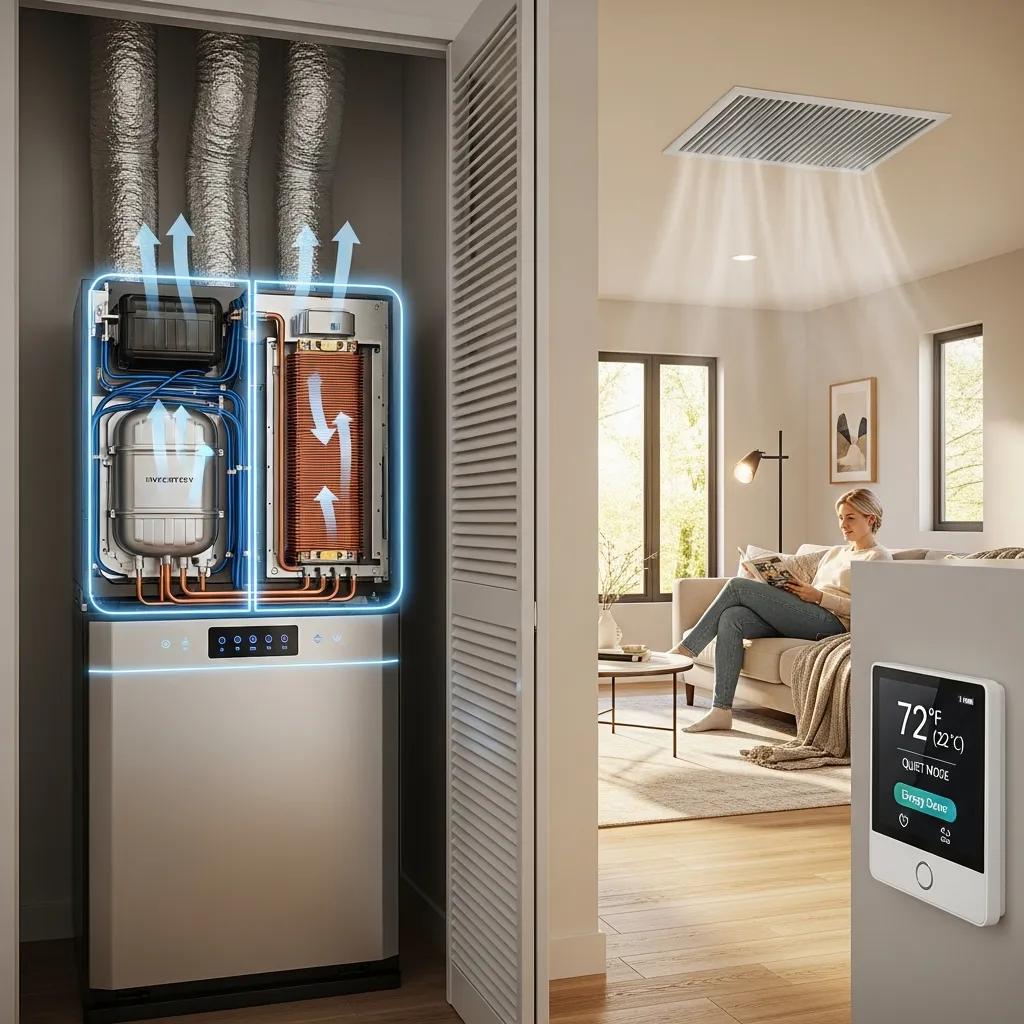

Thermostat Troubleshooting for Houston Homeowners: Common Problems and How to Fix Them
Thermostats keep your home comfortable by telling your heating and cooling system what to do. When they act up, a small issue can quickly become a big inconvenience. This guide walks Houston homeowners through the most common thermostat problems, what causes them, and how to fix them — from dead batteries and wiring faults to calibration and smart thermostat hiccups. Follow these steps to keep your HVAC system running efficiently and your energy bills in check. We’ll also cover when to call a pro and how routine maintenance prevents most issues.
Because Houston experiences long cooling seasons and high humidity for much of the year, thermostats here often see heavier use and more opportunities for issues to appear. Regular checks and a few basic skills make most thermostat problems fast and inexpensive to resolve, and staying proactive avoids discomfort during the hottest or coldest days.
A thermostat does more than set the temperature — it plays a surprisingly large role in household and national energy use.
Houston Thermostat Troubleshooting: Resolve Common Problems
When your thermostat won’t call for heat, your home gets cold fast. That’s frustrating — and usually fixable. Typical signs include uneven room temperatures, the furnace not turning on, or strange readings on the thermostat display. Causes range from simple user settings to electrical or HVAC equipment problems.
What Causes a Thermostat to Fail Heating Functions? Common Symptoms and Reasons
Heating problems often come from a few repeat offenders: dead or weak batteries, incorrect settings (like being set to “cool” or an unusual schedule), loose or damaged wiring, or a failing thermostat. Sometimes the issue lies with the furnace or control board rather than the thermostat itself. Spotting the early signs — like a dim display or inconsistent temperatures — helps you fix it faster.
How Can I Fix Thermostat Heating Problems? Step-by-Step Troubleshooting and Repairs
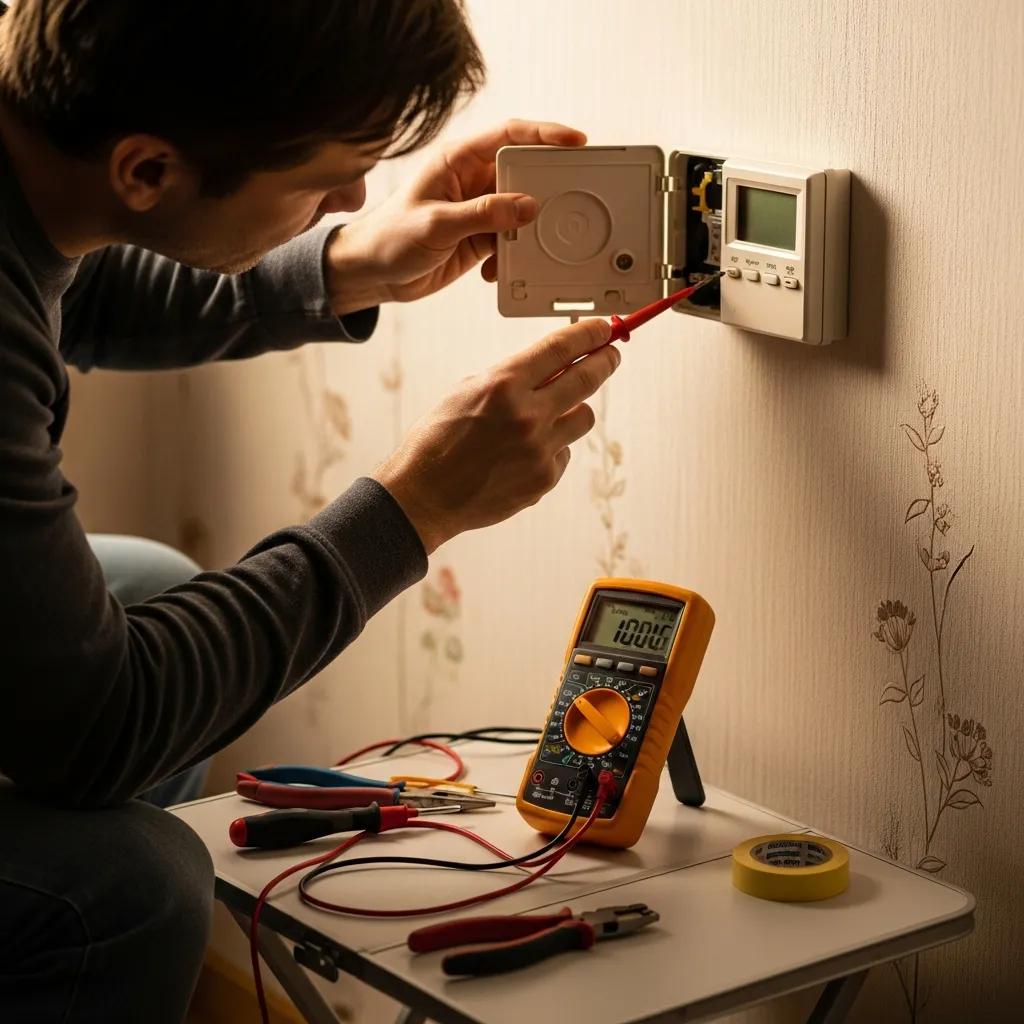
Start simple: confirm the thermostat is set to Heat and the temperature is higher than the room. Replace the batteries if the display is weak. If the thermostat still won’t activate the system, turn off power, remove the cover, and check for loose or corroded wires. If wiring looks fine and settings are correct but the system won’t start, contact a licensed HVAC technician. Weather Cool Inc offers trustworthy thermostat repair and can diagnose whether the problem is the thermostat or the heating system.
Practical homeowner checklist (quick troubleshooting you can do safely):
- Confirm mode and schedule: set to Heat and a manual temporary hold to bypass programming.
- Replace batteries: weak batteries are a common culprit and are inexpensive to replace.
- Reset the unit: power-cycle by switching the breaker off for 60 seconds and restoring it.
- Inspect the display: if the screen is blank, confirming power at the breaker and battery presence is the first step.
- Note error codes or messages and photograph the display — that helps technicians diagnose faster.
Why Is My Thermostat Not Cooling? Diagnosing and Repairing Cooling Failures
Not getting cool air on a hot Houston day is uncomfortable and urgent. When the thermostat won’t trigger cooling, you might get warm air from vents, or the AC unit may not turn on at all. Identifying the source quickly keeps small issues from becoming expensive repairs.
What Are the Typical Causes of Thermostat Cooling Malfunctions? Signs to Watch For
Look for warm air at supply vents, the compressor not starting, or the thermostat ignoring temperature changes. Causes include incorrect mode (set to Heat), dirty filters restricting airflow, low refrigerant, a faulty thermostat, or electrical wiring problems. Regular filter changes and inspections catch many of these before they become emergencies.
How Do I Troubleshoot and Resolve Thermostat Cooling Issues Effectively?
First, make sure the thermostat is in Cool mode and the fan is set appropriately. Replace or clean a dirty air filter, check the circuit breaker for the outdoor unit, and verify the thermostat display and batteries. If the outdoor unit won’t start or the home still won’t cool, it’s time for a professional diagnosis. Weather Cool Inc provides fast, local cooling service to get Houston homes back to a comfortable temperature.
Additional cooling checks you can perform safely include ensuring the outdoor condenser has clear airflow (remove leaves, debris, and keep at least 2 to 3 feet of clearance where possible), confirming the outdoor fan runs when cooling is called, and listening for unusual noises from the condenser. If the condenser starts briefly and stops, that can indicate an electrical or compressor issue that needs a technician. Keeping a simple maintenance log of filter changes and symptoms helps the service provider pinpoint recurring issues.
How Do Thermostat Wiring Problems Affect HVAC Performance?
Wiring problems can make a perfectly good thermostat behave unpredictably or stop working entirely. Since wiring carries the signals that control your HVAC equipment, even a single loose connection can cause big trouble.
What Are Common Thermostat Wiring Issues and Their Symptoms?
Common wiring issues include frayed or pinched wires, loose terminals, and incorrect wire placement after a thermostat swap. Symptoms range from no response at all to erratic temperature swings, short cycling, or the system refusing to start. If you notice burning smells, hot wires, or visible damage, shut off power and call a pro right away.
How Can I Safely Inspect and Repair Thermostat Wiring Problems?
If you’re comfortable, switch off the HVAC power at the breaker, remove the thermostat faceplate, and check that each wire is firmly attached to the correct terminal (R, C, W, Y, G, etc.). Don’t attempt repairs if wires look damaged or if you’re unsure — electrical work can be dangerous. Weather Cool Inc offers certified wiring inspections and repairs to keep systems safe and reliable.
When inspecting wiring, use basic tools such as a small screwdriver and a non-contact voltage tester to verify power is off. A multimeter is useful for measuring voltages at the terminals if you understand how to use it; otherwise, document what you see and let a technician measure and test. If you find an unlabeled wire or multiple colors paired together, photograph the connections and leave the wiring intact until a pro can check compatibility and terminal mapping.
When and How Should I Replace My Thermostat Battery?
Thermostat batteries are low-cost but essential. Failing batteries often cause the most common and preventable frustrations with thermostats.
What Are the Signs That My Thermostat Battery Needs Replacement?
A dim or blank display, “low battery” warnings, intermittent operation, or lost Wi‑Fi connection on smart models all point to weak batteries. We recommend replacing batteries at least once a year, or sooner if you spot any of these signs.
What Is the Correct Procedure for Thermostat Battery Replacement?
Turn off the HVAC power before opening the thermostat to avoid accidental shorting. Replace batteries in the correct orientation and use fresh, high-quality replacements. Reattach the cover and restore power. If the thermostat still behaves oddly after new batteries, a deeper check or professional help may be needed.
Check the thermostat manual for the correct battery size — many models use standard AA or AAA cells, while some compact or battery-backup designs use coin-style cells or manufacturer-specified packs. Dispose of used batteries responsibly at a household hazardous waste drop-off or recycling center. If replacing batteries does not resolve the issue, note whether performance improves temporarily (which suggests a different intermittent electrical issue) or not at all, and report that to your service technician.
How to Calibrate Your Thermostat for Accurate Temperature Control
Calibration ensures the temperature you set matches the temperature you feel. An out-of-calibration thermostat can mean wasted energy and uncomfortable rooms.
Why Is Thermostat Calibration Important for HVAC Efficiency?
An accurate thermostat prevents your system from running too long or too little. That reduces wear and tear and keeps energy bills lower. Calibration checks should be part of seasonal maintenance to keep everything balanced and efficient.
Where you place the thermostat matters almost as much as calibration — poor placement leads to misleading temperature readings and uneven comfort.
What Are the Steps to Calibrate Different Types of Thermostats?
For digital and smart thermostats, compare the unit’s reading to a reliable room thermometer placed nearby. If there’s a difference, follow the manufacturer’s calibration instructions or use the offset feature if available. For older mechanical thermostats, check the dial against a thermometer and adjust or replace the unit if it’s consistently off. Regular checks keep everything aligned.
Calibration tips and placement reminders: place the reference thermometer about three to five feet from the thermostat at roughly the same height and avoid testing while doors or windows are open. If you find a consistent offset, use the thermostat’s built-in calibration or offset setting. If the thermostat lacks an adjustment and the discrepancy is several degrees, consider replacement or professional recalibration. When moving a thermostat, choose an interior wall in a frequently used area away from direct sunlight, vents, or kitchens, and allow the HVAC system to stabilize for at least 15–30 minutes before rechecking readings.
What Are the Benefits of Smart Thermostat Troubleshooting and Integration?
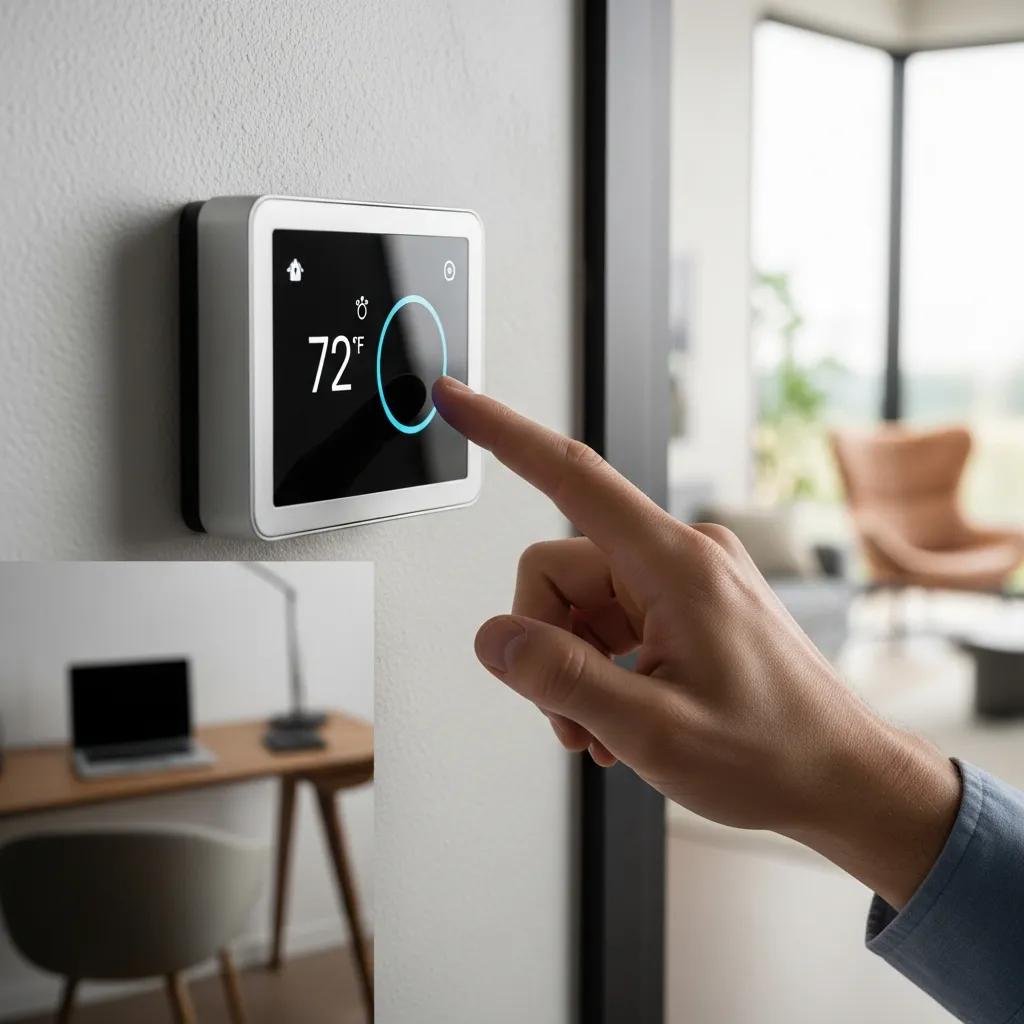
Smart thermostats add convenience and real energy savings when set up correctly. Beyond remote control, they learn patterns, adapt to your schedule, and can help spot issues early before they become costly.
How Do Smart Thermostats Improve Energy Efficiency and Comfort?
Smart models learn your routines and adjust heating and cooling to match occupancy, reducing waste. Remote access lets you tweak settings from anywhere, and many platforms give usage reports so you can make smarter energy choices. Proper setup and occasional checks keep the savings real.
Advanced smart features are also enabling proactive diagnostics — some systems now detect faults and alert you or your service provider before a breakdown.
What Common Issues Occur with Smart Thermostats and How to Fix Them?
Smart thermostats can suffer from Wi‑Fi dropouts, software glitches, or incorrect settings after updates. Try a reboot, check your network, and confirm the device has the latest firmware. If problems persist, consult the manufacturer’s support or a professional installer to rule out wiring or equipment compatibility issues.
Network and integration tips: give the thermostat a stable home network with reasonable signal strength, place the router centrally or use a mesh extender if signal is weak, and create a simple schedule to prevent frequent, automatic overrides. Keep a local manual temperature control option available so you can maintain comfort if cloud services are temporarily unavailable. When integrating with home automation or voice systems, verify account linking and permissions; after updates, recheck schedules and geofencing settings to ensure they behave as expected.
When Should I Schedule Professional Thermostat Repair Services?
Call a professional when troubleshooting doesn’t solve the problem, when you see electrical damage, or when the HVAC responds erratically. Timely service prevents bigger failures and keeps your system efficient.
What Are the Advantages of Professional HVAC Thermostat Maintenance?
Professional service includes precise diagnostics, safe wiring checks, calibration, and recommendations for upgrades. Technicians catch issues early, perform reliable repairs, and help your system run longer and more efficiently.
How to Choose Local Experts for Reliable Thermostat Repair in Houston?
Choose a provider with local experience, clear pricing, and positive reviews. Look for licensed technicians who offer transparent diagnostics and stand behind their work. Weather Cool Inc is a Houston-based team that specializes in thermostat repair and honest service — we’re happy to help with troubleshooting or a full replacement if needed.
Before the technician arrives, gather details: thermostat model, recent changes (power outages, renovations), and a short symptom history. This information speeds diagnosis. During a service visit expect an inspection of thermostat wiring, control voltages, and a test of HVAC response to thermostat commands. The technician can recommend a repair, a replacement, or an upgrade depending on age, compatibility, and recurring symptoms.
How Can an HVAC Maintenance Plan Prevent Common Thermostat Problems?
Regular maintenance drastically reduces thermostat problems by catching small issues early. A maintenance plan keeps components clean, calibrated, and running as intended.
What Does a Comprehensive HVAC Maintenance Plan Include for Thermostats?
A complete plan typically covers thermostat checks, battery replacement, wiring inspection, calibration, filter changes, and a broader HVAC system tune-up. These routine steps prevent surprises and extend system life.
Sample maintenance checklist items often included in a plan:
- Visual thermostat inspection and battery replacement as needed;
- Electrical terminal tightening and voltage checks;
- Filter replacement or cleaning guidance every 1–3 months depending on use;
- Seasonal system performance check and calibration verification;
- Indoor and outdoor unit inspection for airflow obstructions and obvious damage.
How Does Regular Maintenance Reduce Energy Bills and System Breakdowns?
Well-maintained systems run more efficiently and avoid the strain that causes failures. That means fewer repairs, lower energy costs, and more consistent comfort. Investing in maintenance pays off over time with fewer emergency calls and longer equipment life.
| Problem Type | Common Symptoms | Recommended Action |
|---|---|---|
| Heating Failure | Inconsistent temperatures, system not turning on | Check settings, replace battery, inspect wiring |
| Cooling Failure | Warm air from vents, thermostat not responding | Verify settings, clean air filter, consult technician |
| Wiring Issues | Erratic readings, system not functioning | Inspect wiring, ensure connections are secure, seek professional help |
This table highlights common thermostat problems, the symptoms to watch for, and practical next steps. Addressing issues early helps keep your home comfortable and your HVAC system running smoothly.
If you’re considering an upgrade, explore HVAC financing options to spread the cost of energy-saving improvements. Thermostats are a small but powerful part of your HVAC system — understanding how they fail and when to call a pro gives you better comfort and lower bills. When in doubt, Weather Cool Inc is here to help with reliable service and clear recommendations.
Ready to Restore Comfort? Contact Weather Cool Inc Today!
Don’t let thermostat troubles disrupt your home comfort. Whether you need expert repairs, maintenance, or a smart thermostat upgrade, Weather Cool Inc’s Houston-based team is ready to assist. Reach out now for fast, professional service and keep your HVAC system running smoothly year-round. Contact Us